Посібники з фарбування / Warhammer 40,000 / Space Wolves / Terminator Squad
Як фарбувати Terminator Squad
Референсні фото, колірні схеми з точними фарбами для кожної зони та готові моделі інших малярів — усе, що потрібно, щоб узятися за Terminator Squad для вашого війська Space Wolves.
Роль InfantryОчки 160Фракція Space WolvesСистема Warhammer 40,000
ImperiumTerminatorTerminator Squad
Кожна фарба нижче веде до її відповідників в інших брендах.
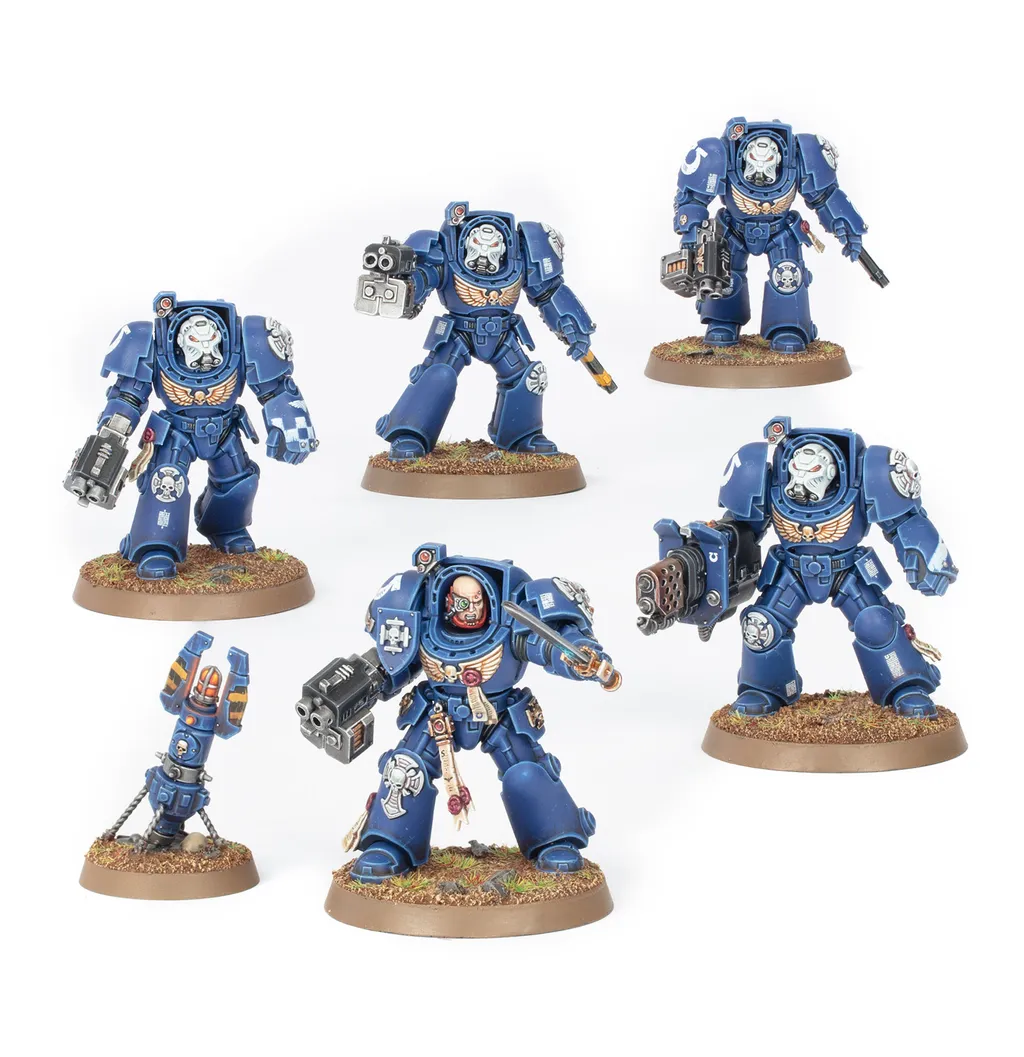
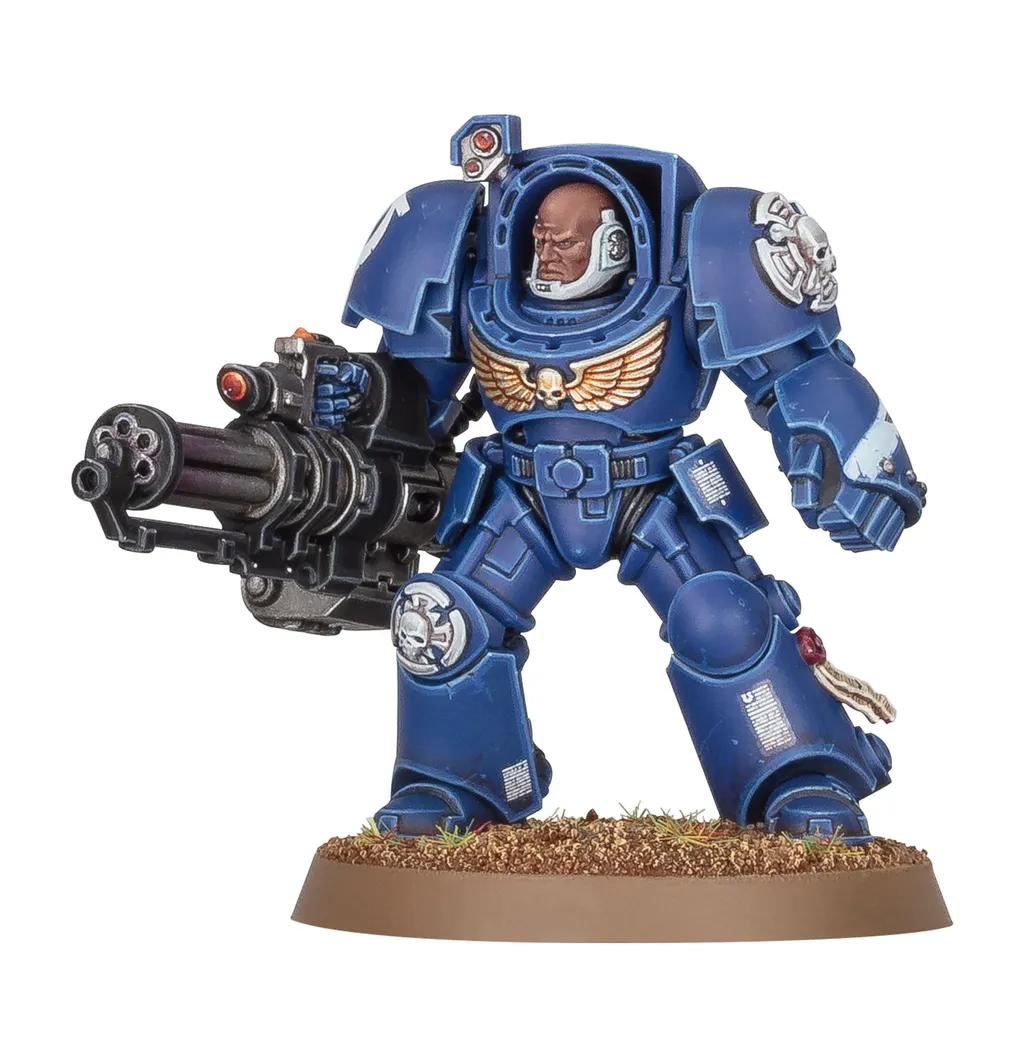
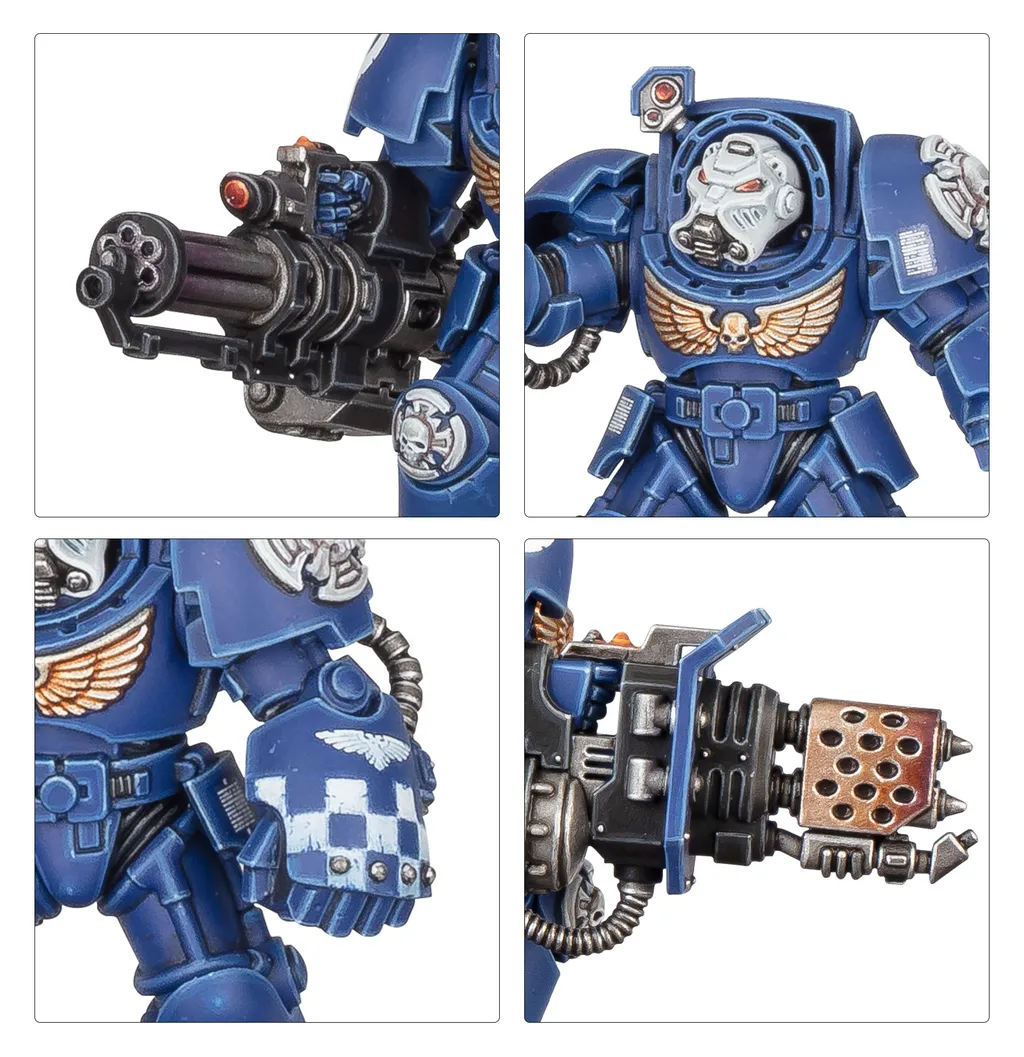
Як виглядає Terminator Squad
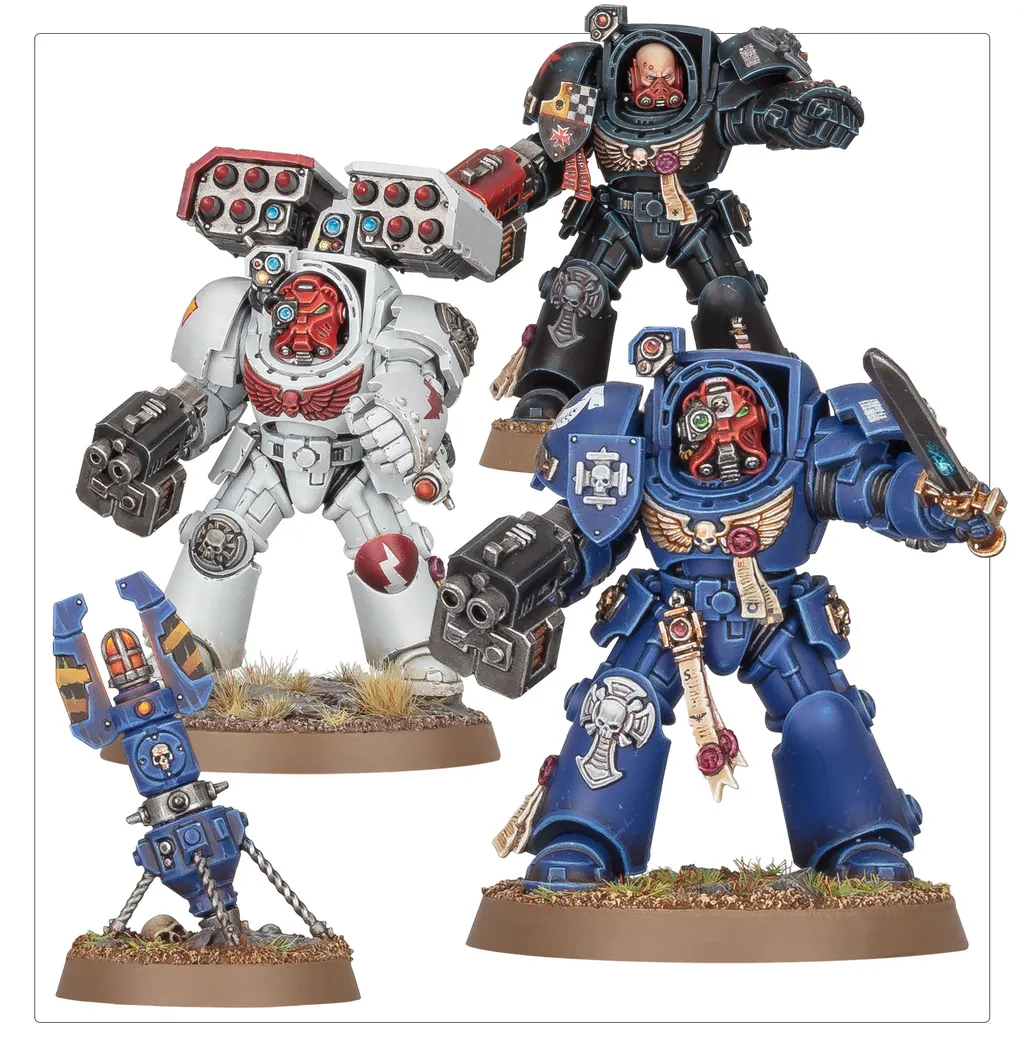
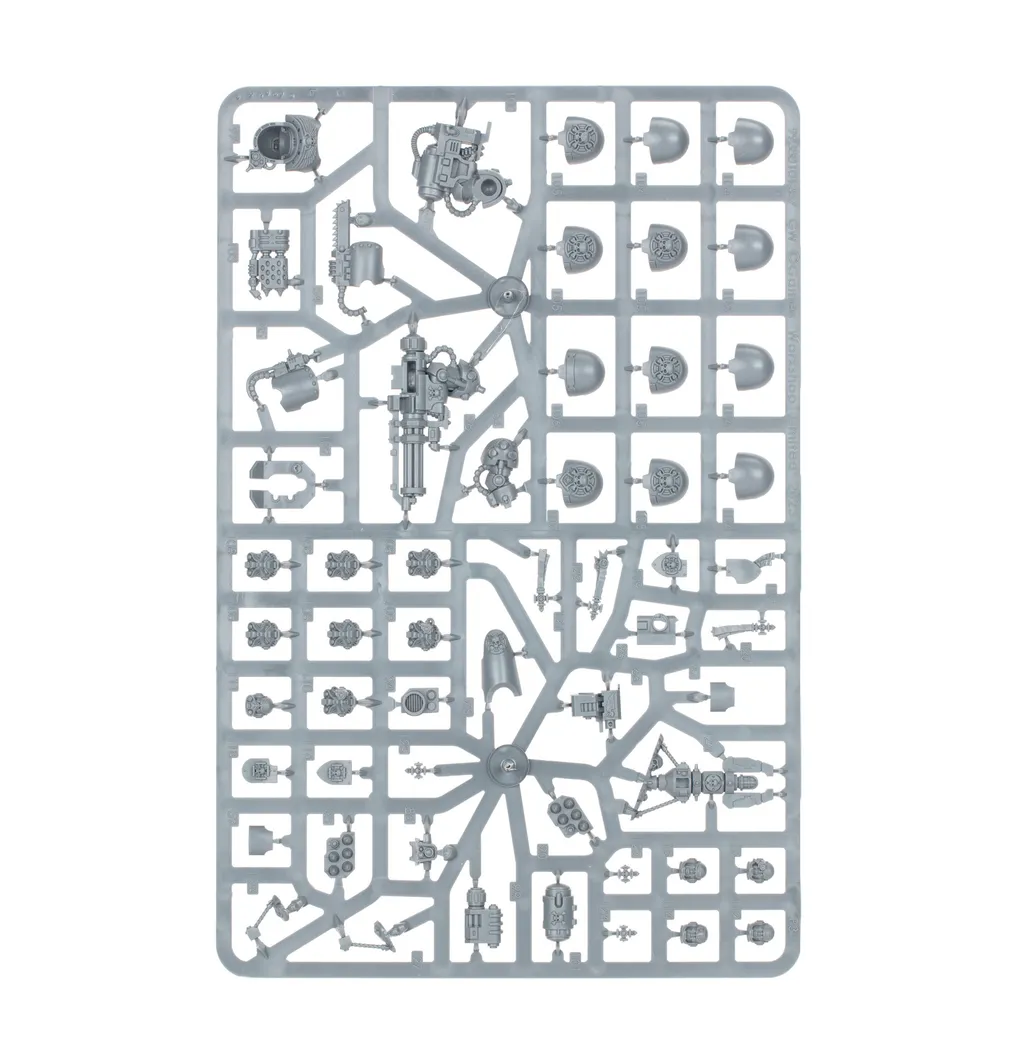
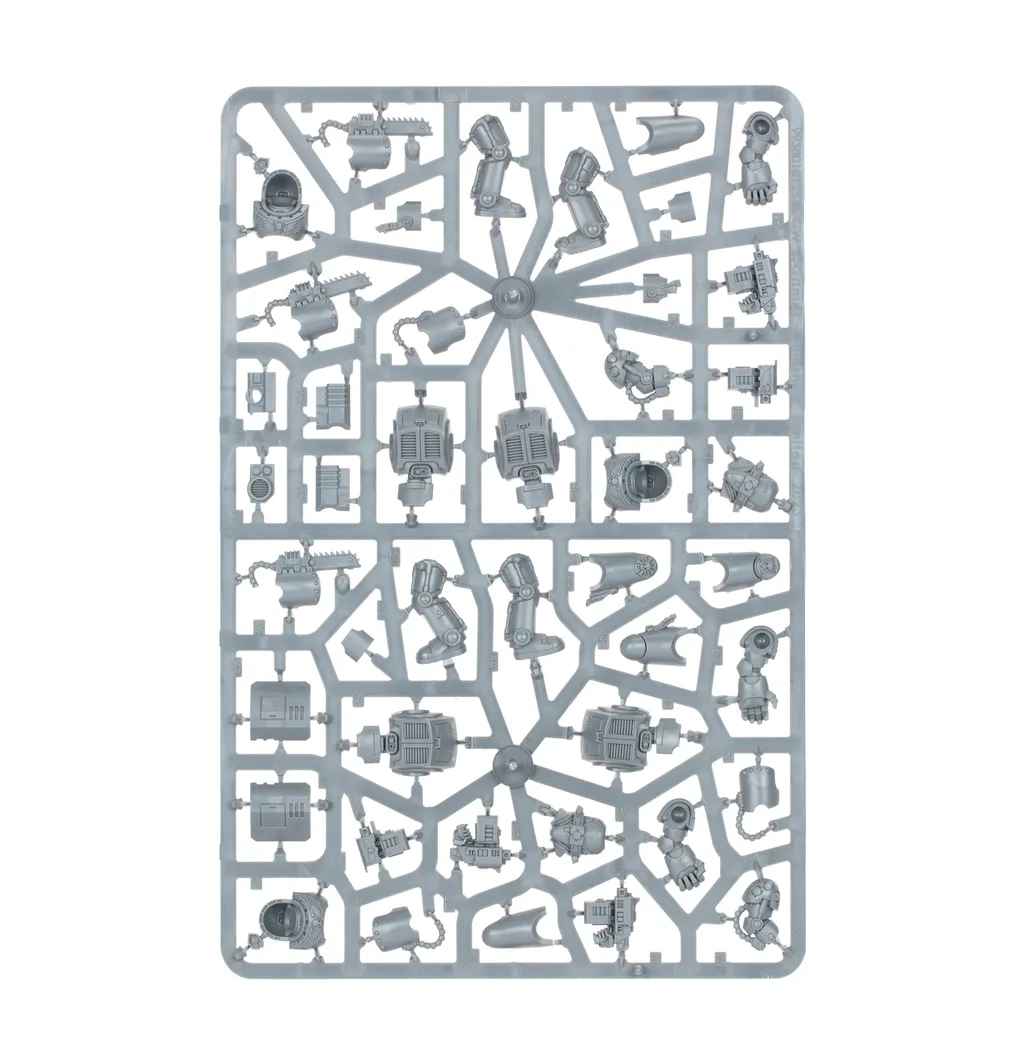
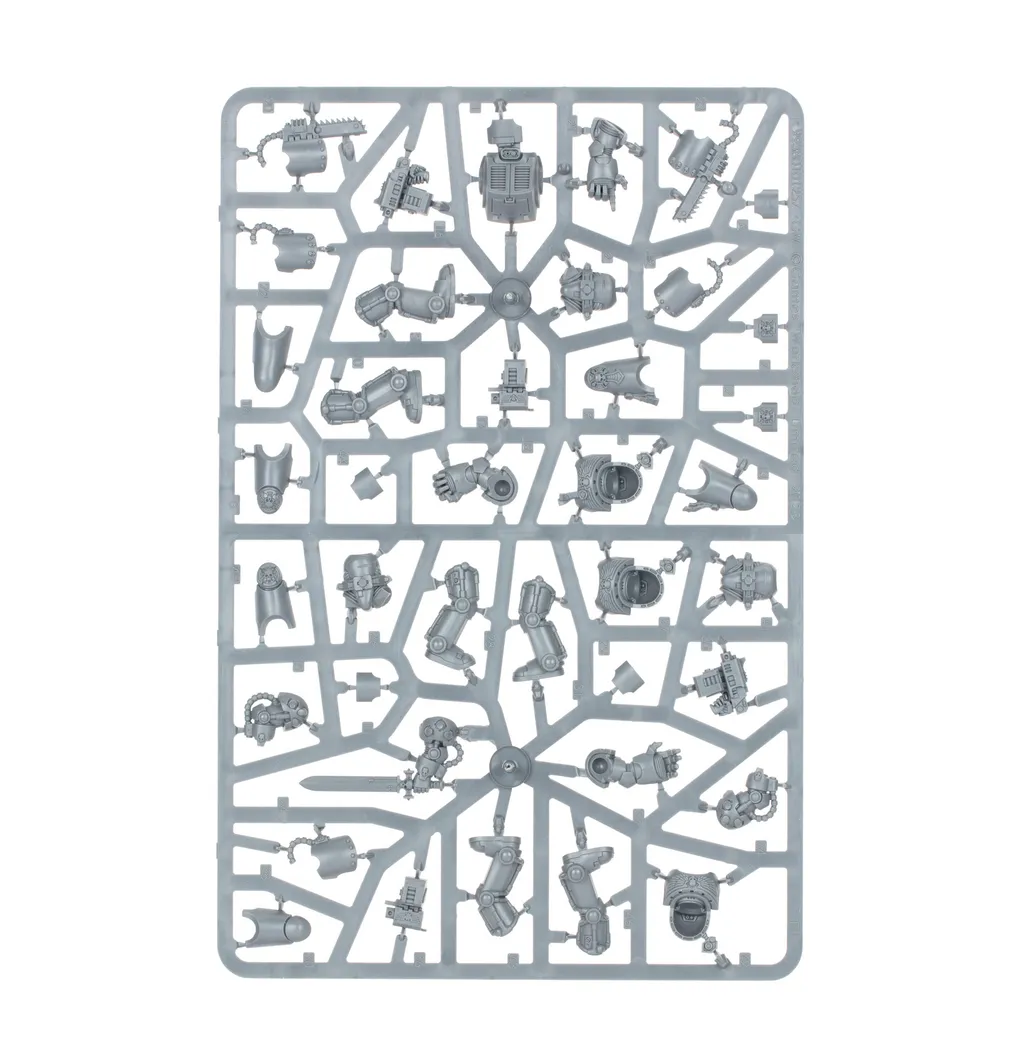
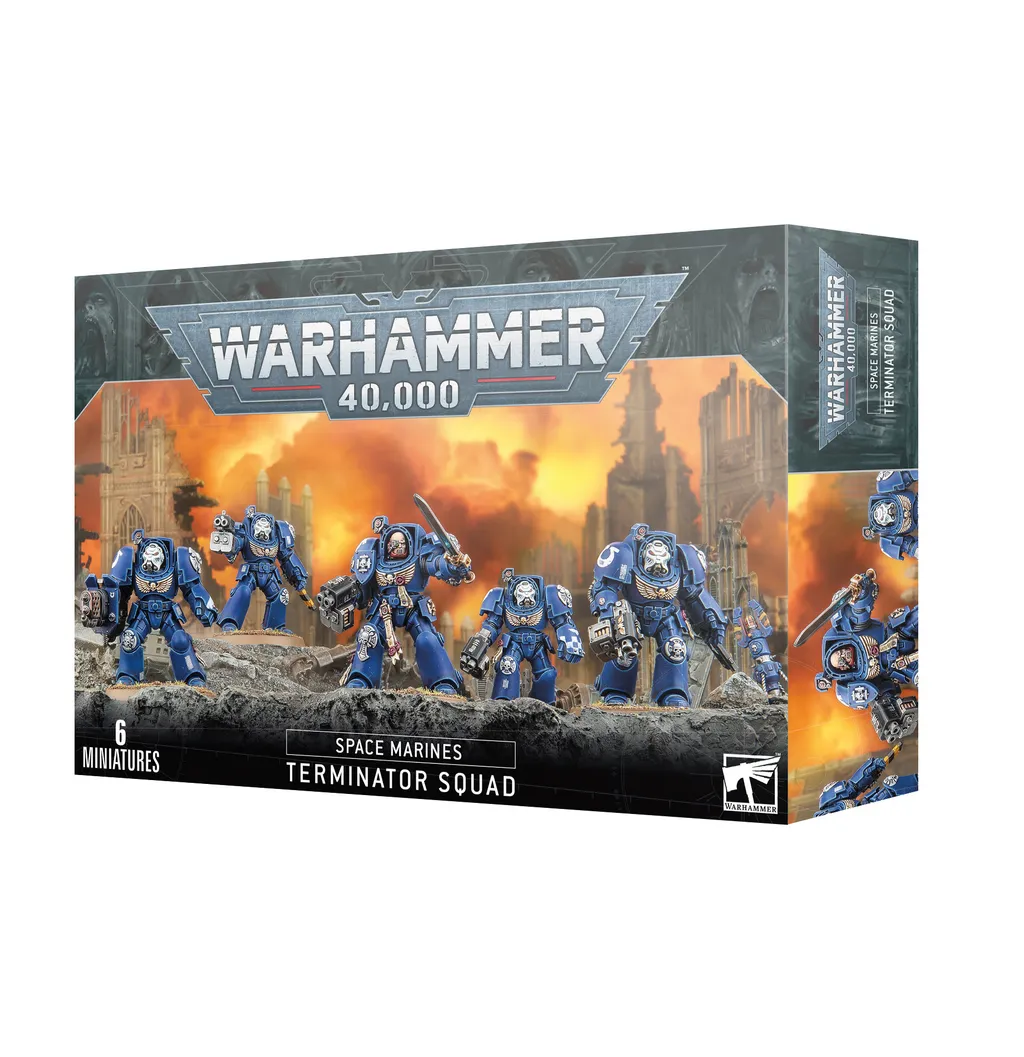
Колірні схеми
Space Wolves — Terminator Squad
Bigger plates, more bare metal and more room for weathering than a battleline squad — a good second project once the armour recipe is habit. Painted in Space Wolves colours, from primer to based.
Power armour
- The Fang Citadel
- Drakenhof Nightshade Citadel
- Fenrisian Grey Citadel
- Russ Grey Citadel
- Basecoat the armour plates Basecoat — Two thin coats, leaving the recesses slightly darker. Thin with water until the paint flows off the brush rather than sits on it.
- Shade the recesses Recess shade — Run the shade into panel lines and around raised details only. A full wash over the plates flattens the armour.
- Edge highlight the plates Edge highlight — A fine line along the top edge of each plate, where light would land. Stop before the line meets the next edge.
- Sharpen the brightest edges Edge highlight — Only the corners and the very top of each plate — this is a fraction of the previous line.
Bolter and metal
- Leadbelcher Citadel
- Nuln Oil Citadel
- Ironbreaker Citadel
- Basecoat the metal Basecoat — Leadbelcher over the bolter body, barrel and any exposed pistons.
- Shade the metal All-over shade — Nuln Oil across the whole weapon — metallics are the one area that wants a full wash.
- Bring back the edges Edge highlight — Ironbreaker on the barrel rim and casing edges, then a spot of steel on the ammo feed.
Shoulder trim and steel
- Leadbelcher Citadel
- Nuln Oil Citadel
- Ironbreaker Citadel
- Basecoat the trim Basecoat — Keep the line clean — trim is what the eye follows, so a wobble here is more visible than one anywhere else.
- Shade the trim Recess shade — Agrax Earthshade where the trim meets the plate, so it reads as a separate piece of metal.
- Highlight the trim Edge highlight
Helmet lenses
- Mephiston Red Citadel
- Evil Sunz Scarlet Citadel
- Wild Rider Red Citadel
- White Scar Citadel
- Fill the lens Basecoat — Fill the whole lens recess with the darkest red.
- Leave a dark rim Layer — Cover the lens again but stop short of the bottom edge, leaving a crescent of the base colour.
- Dot the catchlight Detail — One small dot in the upper corner. The dot is what makes the lens read as glass.
Terminator plate and hazard stripes
- Leadbelcher Citadel
- Nuln Oil Citadel
- Averland Sunset Citadel
- Abaddon Black Citadel
- Typhus Corrosion Citadel
- Ryza Rust Citadel
- Pick out the storm bolter and power fist Layer — Terminator armour carries far more bare metal than a battleline marine — shade it harder so the bulk reads.
- Hazard stripes on the fist Detail — Averland Sunset field, then thin black diagonals. Mark the stripe spacing in pencil first.
- Weathering on the boots and skirt Stipple — Stipple Typhus Corrosion low on the legs, then a light Ryza Rust catch on the rivets.
Pelts, leather and totems
- Mournfang Brown Citadel
- Agrax Earthshade Citadel
- Karak Stone Citadel
- Ushabti Bone Citadel
- Basecoat the pelts Basecoat — Mournfang Brown for leather straps and wolf pelts; keep it off the armour plates.
- Shade into the fur All-over shade — Agrax Earthshade over the whole pelt — fur has no clean recesses to pin-wash.
- Drybrush the fur and pick out the teeth Drybrush — Karak Stone across the fur, then Ushabti Bone on teeth, claws and bone totems.
Base
- Astrogranite Citadel
- Administratum Grey Citadel
- Dawnstone Citadel
- Abaddon Black Citadel
- Texture the base Texture — Astrogranite straight from the pot with an old brush, kept off the rim.
- Drybrush the rubble Drybrush — Administratum Grey, then a lighter pass so only the highest grit catches it.
- Paint the rim Detail — Abaddon Black around the rim in one steady pass. A clean rim is what makes a squad look finished.
Усі фарби на цій сторінці
22 фарби по всіх схемах і туторіалах вище. Позначте те, що вам потрібно, щоб скласти список, або перейдіть до фарби, щоб знайти її в іншому бренді.
- Abaddon Black Citadel
- Administratum Grey Citadel
- Agrax Earthshade Citadel
- Astrogranite Citadel
- Averland Sunset Citadel
- Dawnstone Citadel
- Drakenhof Nightshade Citadel
- Evil Sunz Scarlet Citadel
- Fenrisian Grey Citadel
- Ironbreaker Citadel
- Karak Stone Citadel
- Leadbelcher Citadel
- Mephiston Red Citadel
- Mournfang Brown Citadel
- Nuln Oil Citadel
- Russ Grey Citadel
- Ryza Rust Citadel
- The Fang Citadel
- Typhus Corrosion Citadel
- Ushabti Bone Citadel
- White Scar Citadel
- Wild Rider Red Citadel
Більше посібників з фарбування Space Wolves →
Ведіть цей проєкт від литника до готової моделі
Додайте Terminator Squad до своєї купи, позначте фарби, які у вас уже є, і подивіться, чого ще бракує, перш ніж відкривати коробку.